- Loosen the wheel nuts, raise the rear of the car on supports and remove the wheel;
- remove the brake caliper as described in the relevant subsection;
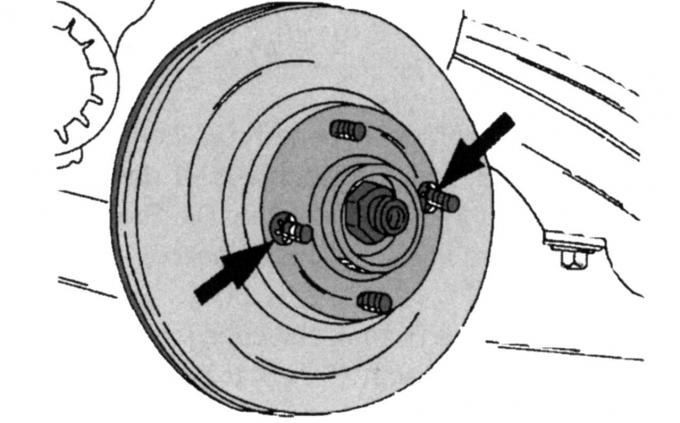
Fig. 257. Brake disc safety clamps
- remove the disc mounting clamps from the two wheel bolts as shown in Fig. 257 and remove the disc.
Install in the reverse order of removal. If the same disk is installed, it should be inspected as described when checking the front disks.
[This article was borrowed from the website: FordBook]