Contents: Multifunctional switch ↳ Signal ↳ Hazard warning switch ↳ Light switch lever ↳ Windshield light ↳ Right/second speed windshield wiper ↳ Single/intermittent wiper mode ↳ Windshield washers ↳ 2 main keys ↳ Fuel tank cap lock ↳ Door lock ↳ Doors ↳ Steering column lock/ignition switch ↳ 5-speed gearbox ↳ Automatic transmission ↳ Gearshift lever lock ↳ Turning on the engine ↳ Gear selection ↳ Parking brake ↳
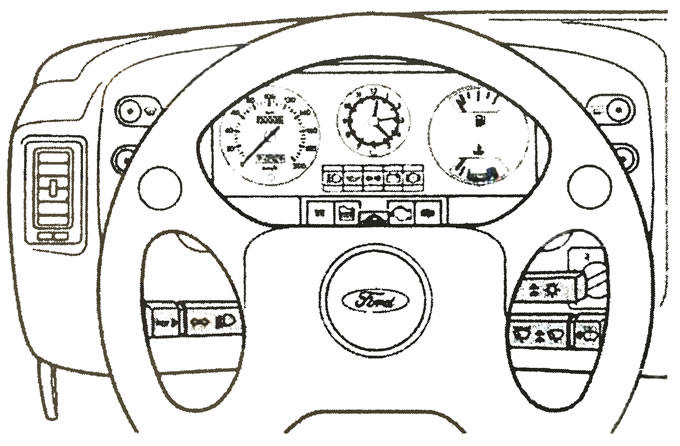
Multifunctional switch
- First of all, turn on the ignition.
- Right turn signal.
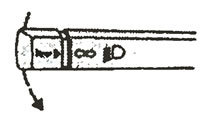
Lift the lever up. The additional turn signal on the rear right side of the lid will also light up.
- Left turn signal
Lower the lever down. The additional turn signal on the left rear of the cover will also light up.
- High beam.
Press the lever towards the instrument panel.
- Low beam.
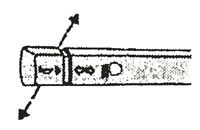
Place the lever in neutral position
- High beam alarm.
Pull the lever towards the steering wheel.
Signal
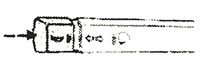
Click the button. The signal will work when the ignition is on and off.
Hazard warning switch
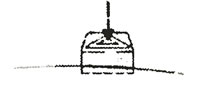
When you press the switch button, all the indicators light up simultaneously, including the ones on the rear left and right on the roof. Use only in extreme cases to warn other drivers of a vehicle breakdown, approaching danger, etc. The button will light up along with the indicators. The hazard warning lights operate when the ignition is on and off.
Light switch lever
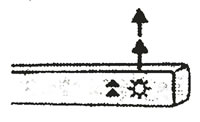
To turn on the exterior lights, except for the parking lights, the ignition must be on.
- The lights are off.
Place the lever in its lowest position.
- Side lights.
Raise the lever one step up.
- Headlights.
Raise the lever two steps up.
Windshield light
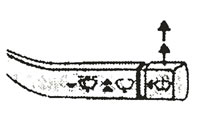
First of all, turn on the ignition.
- Windshield
Right/second speed windshield wiper
Set the lever to the first position to clean the glass at the first speed and to the second position to set the second speed.
Single/intermittent wiper mode
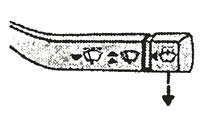
Press the lever down.
Windshield washers
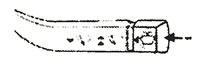
Press the button briefly or hold it down for extended operation. This will also operate the headlight washers when the headlights are on.
2 main keys
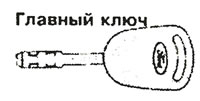
The master key locks all the car's locks. If you lose it, you can get a duplicate from the Service Center. The key number is determined by the label supplied with the original key.
Fuel tank cap lock
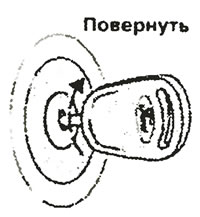
To open the fuel tank cap, turn the key clockwise and remove the cap.
Door lock
The front doors can be locked and opened from the outside using the key or from the inside using the door lock handle.
Doors
Depending on the position of the ceiling light switch, the interior lighting will turn on when the front door is opened.
Front doors
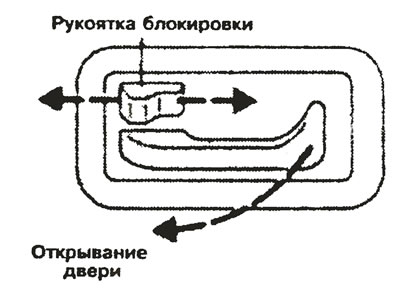
Door handles are used to open the door from the outside or from the inside. The front passenger door can be locked without a key if the inside handle is moved from the red indicator to the black indicator before closing the door.
Sliding door
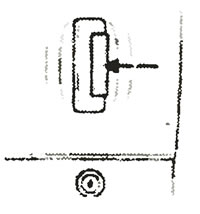
To open it from the outside, pull the door handle. To close the door without a key, the handle should be moved from the red indicator to the black one. To open from the inside, first move the indicator to red, then pull the door handle.
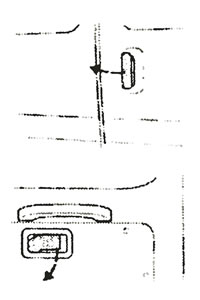
Double rear doors
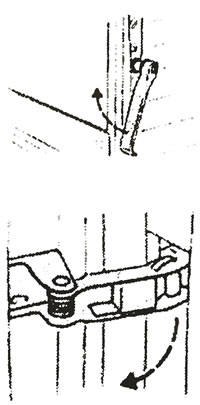
To open the right door from the outside, pull the door handle to the left.
With the exception of the bus version of the model, the double rear doors can be opened to 180° by pulling the door opening limiters towards you, opening the door less than 90°.
Rear double doors with 270° opening angle
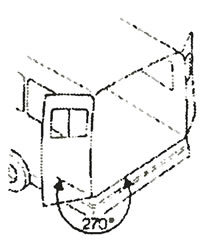
The left and right rear doors can open 270° and remain open.
Hinged rear door
Outside:
To open. lift the handle above the license plate upwards. When closing, it may seem as if the latch is not working due to the pressure inside the car. To avoid this, lower the door to a distance of approximately 20 cm from the lock and press on it.
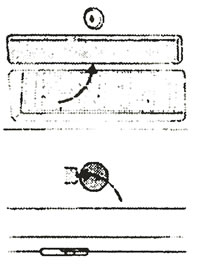
From the inside:
The drop door can be opened from the inside by turning the handle to the left, which can be done through the hole at the bottom of the door.
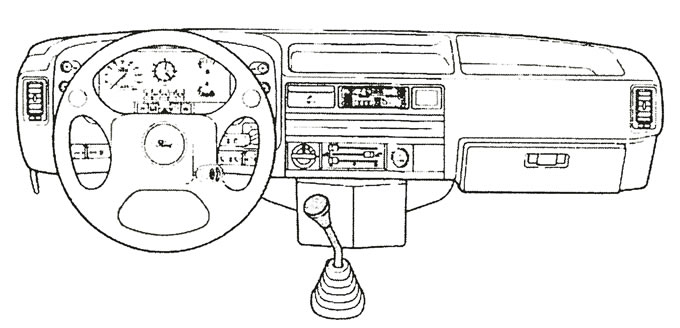
Steering column lock/ignition switch
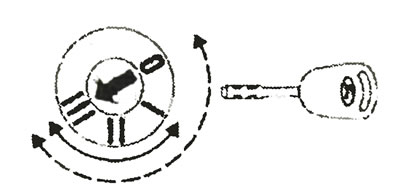
The ignition switch has the following key positions:
0 — Ignition is on, steering wheel is locked after key is removed.
I — The steering wheel is locked, the ignition and all electrical circuits except the radio and clock are de-energized.
II — Ignition on The oil pressure and ignition indicator lights are on. This is the normal operating position of the key and is also recommended for towing.
III - Turn on the starter. Release the key once the engine starts.
When the key is removed from the ignition switch, the steering column lock locks the steering wheel.
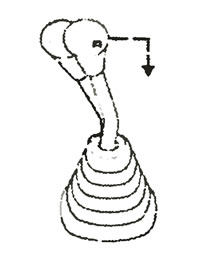
Warning! Never turn the key to position 0 while the vehicle is moving.
5-speed gearbox
Reverse gear can only be selected by shifting into neutral and then pushing the lever all the way to the right against the spring resistance before pulling it back.
Warning! Do not apply unnecessary lateral force to the gearshift lever when shifting from 4th to 5th gear, as this may result in accidental selection of 2nd gear.
Automatic transmission
Gear lever position
P = Parking
In this position, the drive wheels are locked, preventing the machine from rolling away.
Warning! Never select position P while the vehicle is moving.
R = Reverse
This position should only be selected when the vehicle is stationary and the engine is idling.
N = Neutral
This position can be selected when starting the engine or when it is idling. In this case, no torque is transmitted to the drive wheels.
D = Movement
This position should be selected for normal driving. The automatic transmission selects all four gears.
3 = Gears 1 to 3
The automatic transmission selects the first three gears.
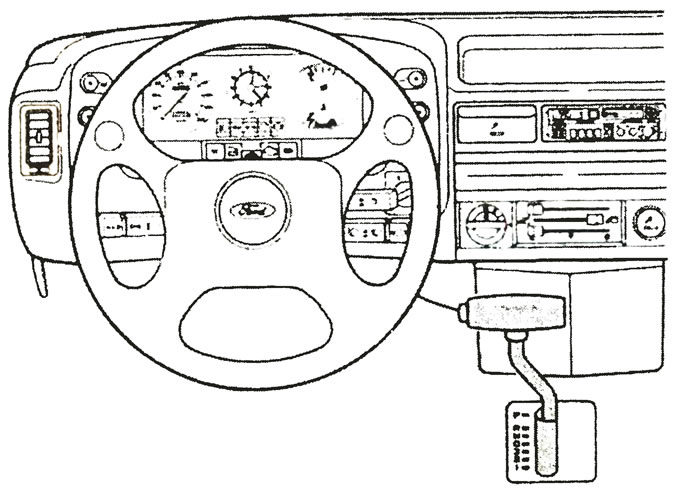
- P = Parking -

- R = Reverse -

- N = Neutral -

- D = Gears 1-4 —

- 3 = Gears 1-3 —

- 2 = Gears 1-2 —

- 1=1 gear -

2 = Gears 1 or 2
This position should be selected when driving on gentle slopes to avoid unnecessary braking, on long climbs, and on winding roads, at speeds no higher than 40 km/h. It can also be used for the first sprint on slippery roads.
1 - Transfer 1
Used on steep climbs and descents. The automatic transmission remains in first gear.
Gearshift lever lock
To activate reverse gear R and enable or disable the parking position P, press the button on the gear lever. It should also be pressed when engaging gears 3, 2, and 1.
Turning on the engine
The engine can only be started when the transmission lever is in position N or P.
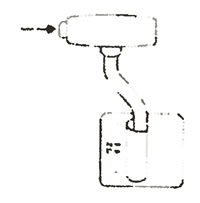
Gear selection
Warning: Before selecting a gear, apply the parking brake or foot brake. Otherwise the car may roll.
Parking brake
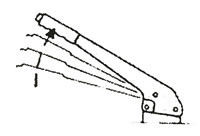
To apply the parking brake, pull the lever. To release the brake, pull the lever on the left up, press the locking button and press the lever down. The parking brake acts on the rear wheels.
Apply the handbrake fully when leaving the car, especially when the engine is running.
To use the parking brake more effectively, apply it while pressing the brake pedal.